Your week, already laid out
You open it and it is sorted: today's workout up top, and underneath it the exercises where you have stopped moving, with the weight to drop to. There is nothing to decide before you start.
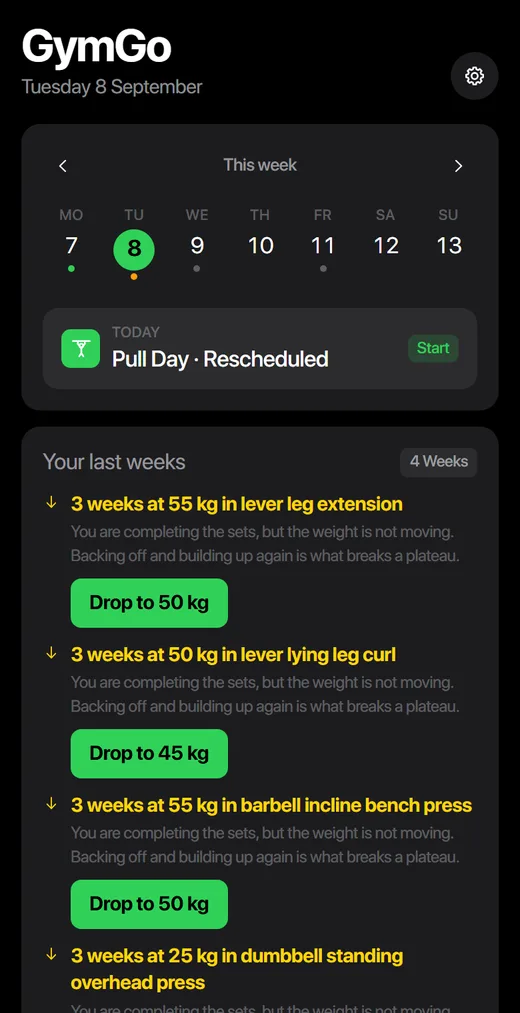
Stop repeating the same weight week after week. In 15 seconds your week is set up —which exercise, how many sets and how much weight— and every week the app tells you when to go up.

For anyone who has been training for months and still looks the same: 1,324 exercises explained step by step, the progression worked out for you, and the plate that goes with the workout, in six guides.
🔒 Secure payment · Access in 60 seconds · 7-day guarantee or your money back
▶ Or try the live demo, no sign-upThese are not mock-ups or sample screens: they are screenshots of the app running.
You open it and it is sorted: today's workout up top, and underneath it the exercises where you have stopped moving, with the weight to drop to. There is nothing to decide before you start.
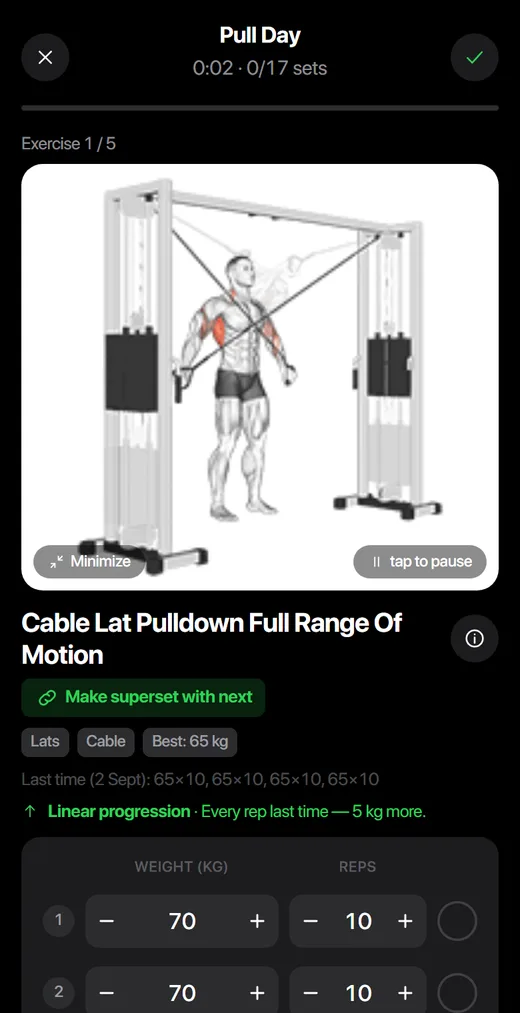
The app remembers what you lifted last time and tells you what to load today. You tick the set and move on: it handles the progression.
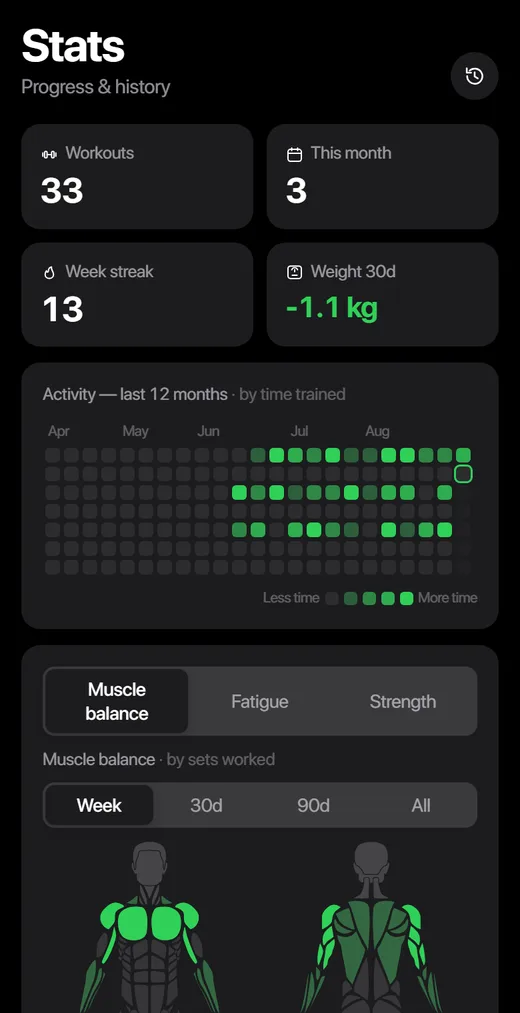
Streak, records, which muscle group you are neglecting and whether you train too easy. So you know if you are improving or just turning up.
This is the real app with sample data, running right here. Move around, open a workout, look at the charts. No sign-up, nothing to install.
Read them slowly. Two is enough.
If you saw yourself in two, GymGo was made for you: the app sets up your week and tells you when to go up, and the guides tell you what to eat so the training counts.
Knowing which exercises to do, how many sets, how to split the week and what to avoid when something hurts — that is what separates the people making progress from the people wandering around the gym. And it takes years to learn. Here it is already solved. You answer five questions and in 15 seconds you have your whole plan, ready to train today. And if you already know what you are doing, you change all of it: the AI is here to save you the work, not to tell you how to train.
Would you rather build it yourself? You can. The AI is here to save you the work, not to take away your control.
No actors and no invented lines: people who use GymGo and gave us permission to publish what they said. Translated from their own words in Spanish.
“GymGo came out of my own frustration: years of going to the gym blind, not knowing whether I was making progress or just passing the time. I built it for myself. And the day I saw my first chart go up, I understood my phone could not keep it to itself. Today I train with GymGo every week — and nothing makes me happier than watching other people progress with it.”

Three about the app and three about what you eat. Training without eating for it is lifting with the brakes on: the guides treat the gym and the plate as what they are, one combo.
The first 7 days, day by day. How to pick the weight for your first exercise when you have no idea, how long to rest between sets, and what to do the day you skip it.
The four rules the app uses to decide, in plain words. How much to add, what to do when you miss, and the plateau that misses no set and so nobody sees.
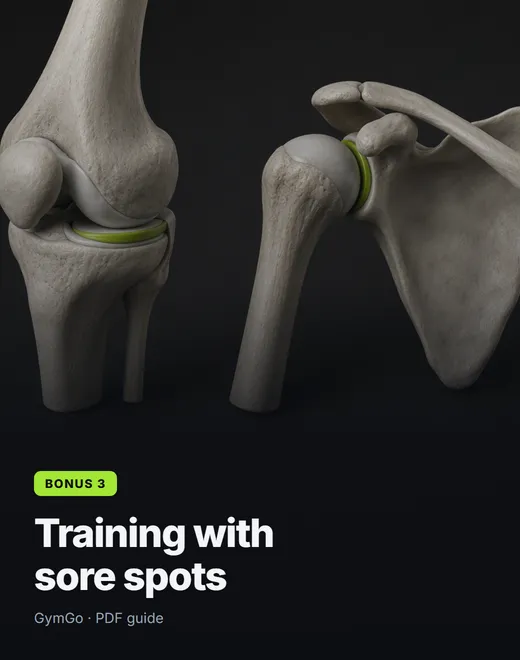
What GymGo drops if you tick knees, shoulders or lower back, and what it swaps in. Tick all three and 857 exercises are left: your plan does not shrink, it gets redirected.
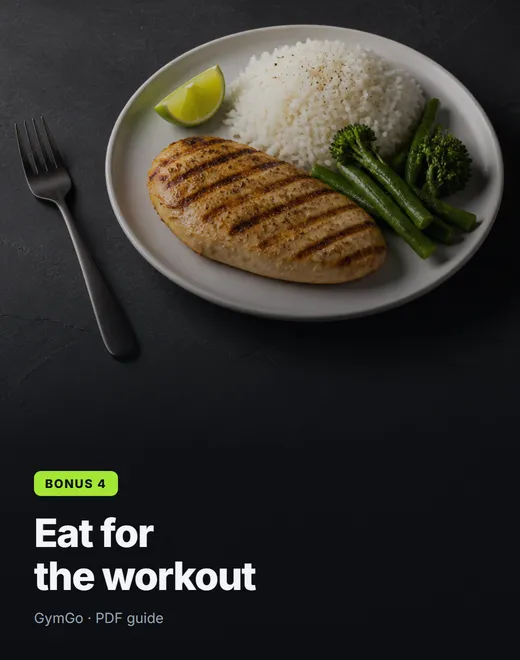
What to eat before and after, how much protein you need without weighing anything (the hand method), and why a fasted workout is one more week on the same weight.
Why the bar stops going up when you do not eat for it, the daily extra that changes it, and how to read the weight chart and the Monday report to know you are on track.
Eating a little less without training any less hard, and the signal that you went too far: the weight on the bar drops. With every set logged, you know that same week.
All six, as PDFs, in the same email as your access. Worth USD 96.40 — today they are inside.
A personal trainer starts at USD 60 a month. GymGo takes you set by set, every day, for less than one coffee a week.

You get in, you use all of it, and if it does not feel like you train better, you write and you get every cent back. No questions and no forms.
From paying to progressing, in four steps.
You pay securely with Hotmart and your code reaches your inbox in 60 seconds. You get straight in, without waiting for anyone.
One tap from the email, you pick your name and you get in with your fingerprint. No passwords to forget.
You answer 5 questions and your AI coach builds the routines and fills your week. Then it takes you set by set, with the weights already worked out.
The app adjusts your loads on its own — whether your goal is strength, tone or losing fat. Your effort turns into charts that make you want to come back.
Automatically: once Hotmart confirms your payment, an email from soporte@gymgo.online arrives with your code and a button to create your profile. The whole thing takes under a minute.
Yes, on both. GymGo runs in the browser and installs as an app from "Add to Home Screen" — without going through any app store.
No. You sign in with your fingerprint or Face ID (passkey), or with a one-time link we send to your email. Safer, and nothing to remember.
Yes — we import from Strong, Hevy and FitNotes, and your body weight from Apple Health. Nothing is lost.
Yes. It renews every year, at the same price you paid, until you decide to stop. We tell you before each charge and there is never a lock-in: you are not signing up for a minimum term.
It does not stop by itself — you have to cancel it, and it takes under a minute. You go into your Hotmart account (where you paid), find your GymGo subscription and hit cancel. Or you write to soporte@gymgo.online and we do it for you, with no runaround and no "wait, here is a discount". After cancelling you keep using the app until the period you already paid for runs out.
Before you go you can export your whole history to a file from Settings — workouts, weights and routines. It is yours and it goes with you.
Yes — Hotmart applies a 7-day guarantee to every purchase: if in the first week you decide it is not for you, you ask for the refund and you get your money back, no questions.
Because choosing between two plans is one more decision, and to try it you already have the free trial. USD 9.99 a year is the founder price: for the first 50 people, who help us get started. Once the seats are taken, the price becomes USD 14.99 for whoever comes after — yours never goes up. That is USD 0.83 a month.
No — bring them. Export a file from Strong, Hevy, FitNotes or a spreadsheet, drop it into GymGo and everything shows up: every workout with its date, weight and reps. It adds to what you have, it never overwrites it.